

Audit and documentation
Asset and service inventory, network mapping, access owners and a prioritized improvement list.
Managed IT support for your business: server administration, workstation maintenance, user support and tested backups.
Managed IT Support & IT Administration
Outsourced IT support gives your team a clear way to resolve everyday issues and maintain business systems. We manage servers, workstations and networks, review account access and test data recovery. Before support begins, we agree on covered systems, service hours and incident response procedures.
Employees know where to ask for help; you can see who owns each request and what happens next.
Critical services, dependencies and weak points are captured in a usable infrastructure map.
Backups come with restore checks and agreed responsibilities, rather than an unchecked success status.
Solution concepts
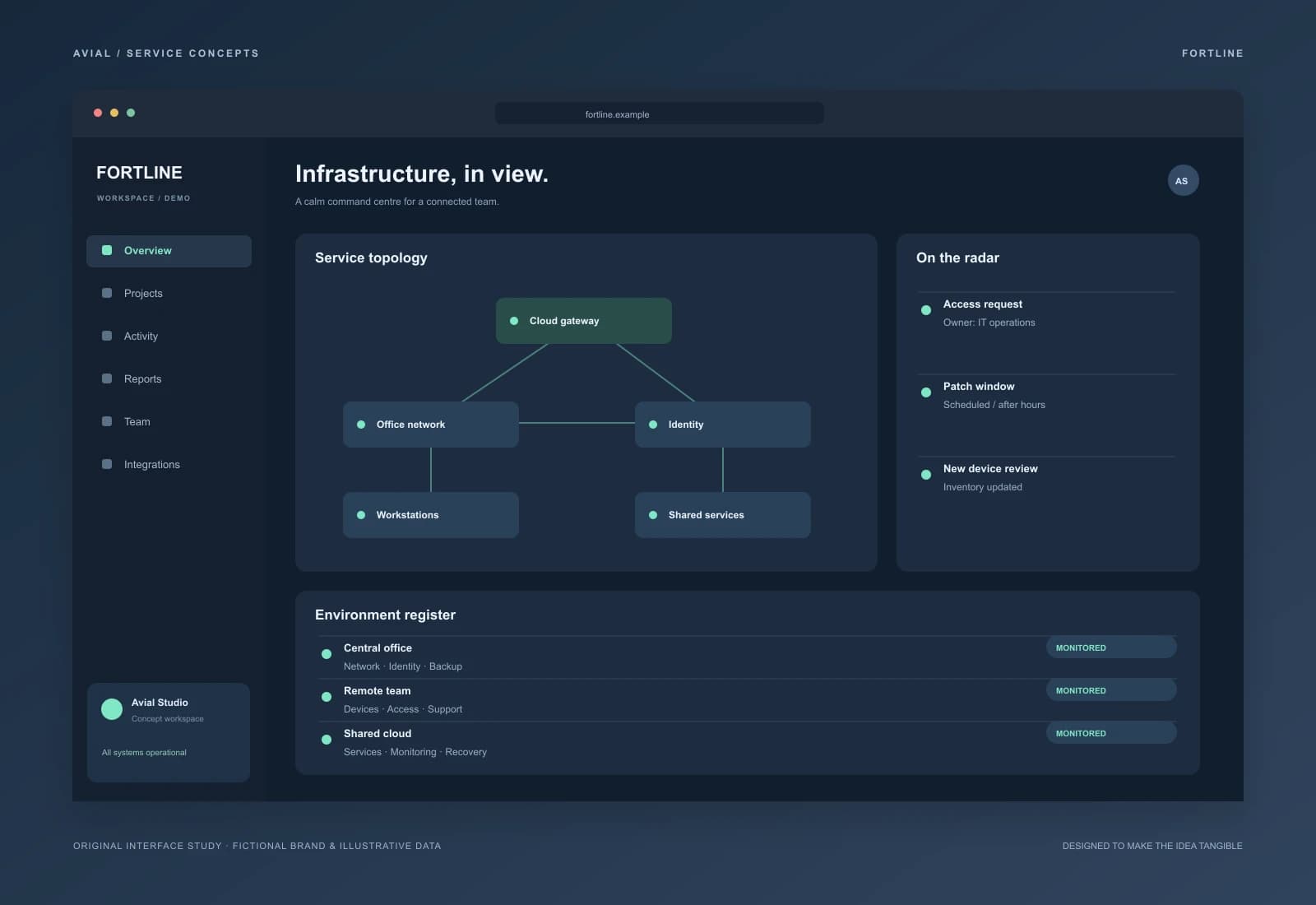
Infrastructure command centre
A multi-office workspace concept connecting service topology, device health and incident ownership in one view.
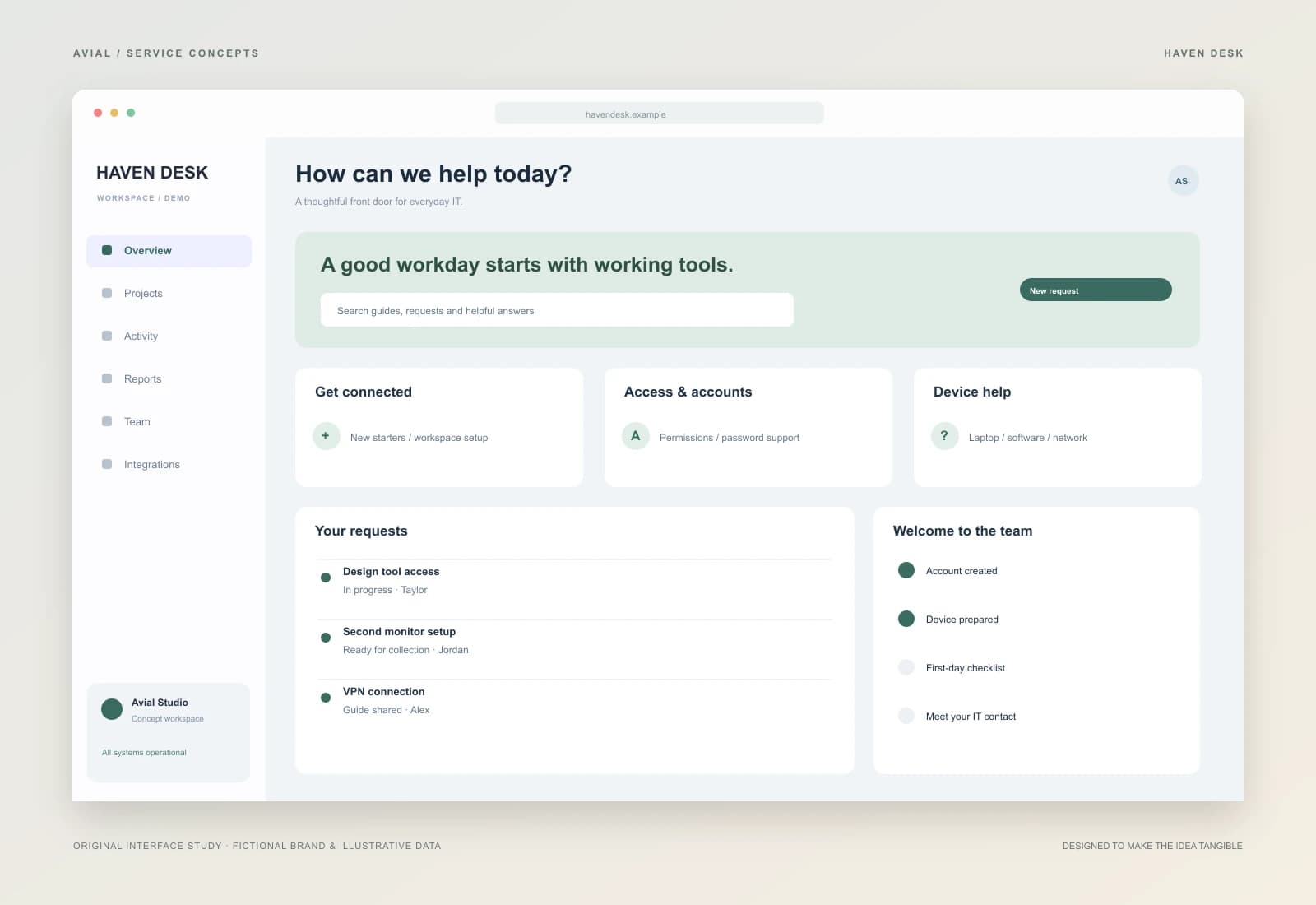
Support the whole team can follow
A service-desk concept with approachable requests, a help catalogue and a personal onboarding checklist.
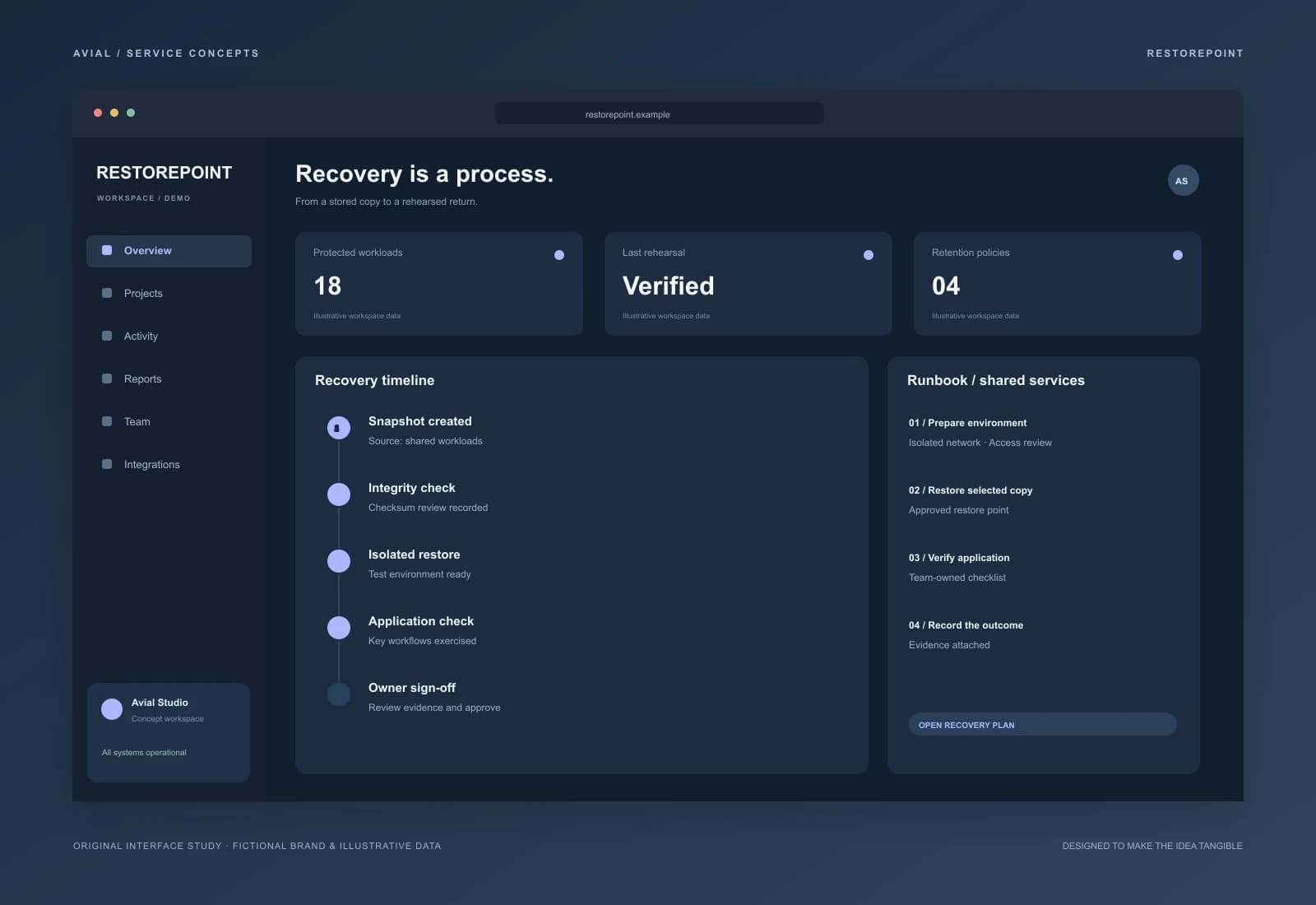
Recovery as a verifiable process
A backup workspace concept with retention policies, verification records and an owned, step-by-step recovery plan.
Original concepts for fictional brands, illustrating our approach to design and implementation.
What you get
Asset and service inventory, network mapping, access owners and a prioritized improvement list.
Employee onboarding, device setup, updates and an agreed process for support requests.
Availability and capacity monitoring, useful alerts and scheduled maintenance routines.
Role-based access, joiner and leaver procedures, backup schedules and recovery scenarios.
Support should leave more than a queue of closed tickets. You get current instructions, clear responsibilities and a change history. New employees can get started more easily, and managers can see where support effort is going.
Bring email, device, network and account requests into one queue. Identify who approves access and purchases, which systems are business-critical and which issues can be resolved remotely.
Map offices, connectivity and local contacts, then establish a consistent workstation setup. On-site visits, geographic coverage and local assistance are agreed before support begins.
Delegate a defined workload such as backups, monitoring, documentation or a standalone project. Specify ownership between teams so a request has an accountable next step.
Receive an asset and service register, dependency map, access-owner list and prioritised risks. Unknown configurations and inaccessible systems are identified explicitly rather than presented as verified findings.
Define support channels, service hours, severity levels, response targets and escalation. First response and resolution time are different measures. Changes to critical systems require agreed maintenance windows.
Receive change records, operating instructions and periodic reports. Your company retains control of accounts and documentation. An exit plan includes transfer of current configurations and outstanding issues.
An illustrative checklist, not a client performance report. Systems, owners, acceptable downtime and test frequency are defined for your environment.
| Scenario | Action | Acceptance evidence |
|---|---|---|
| Employee onboarding | Configure the device and approved roles | Required services work; unnecessary permissions are absent |
| A lost working file | Restore a copy to a separate location | The file opens; recovery date and duration are recorded |
| Service unavailability | Exercise alerting and escalation | An owner receives the alert and has a next action |
Scope depends on users, devices, servers, locations, service hours and existing documentation. The proposal separates discovery, ongoing support and project work. Software licences, equipment, cloud resources and on-site visits are included only when listed explicitly.
Start with your team size, essential systems and recurring issues. Do not send passwords in the enquiry form; access handover is arranged separately. The onboarding schedule follows a review of available access and critical dependencies.
Reports cover open and recurring incidents, response times during agreed service hours, update status and restore-test results. For backups, define tolerable data loss (RPO) and target recovery time (RTO), then test these assumptions in practice.
Ticket volume alone does not establish reliability. Review recurring causes and their effect on work. Carrier, software-vendor and hardware dependencies remain visible in the report; the service does not promise uninterrupted operation regardless of circumstances.
From brief to launch
Identify systems, owners and the business impact of downtime.
Define support scope, service hours and escalation paths.
Document configurations, connect monitoring and test recovery.
Resolve requests, maintain a change log and plan the next improvements.
Before we start
Yes. We start with discovery and access handover. Changes to critical systems require an agreed maintenance window and rollback plan.
Coverage and response targets are agreed in the service contract according to system criticality and the required staffing model.
Tell us about your team, essential services and recurring issues. We will help establish the starting point and define a manageable first phase.
The agreed systems and activities: requests, maintenance, monitoring, access and reporting. Major migrations and new integrations are scoped as separate projects.
Yes. Deliverables include the inventory, verified issues, priorities and an action plan. Implementation can be assigned to us or your existing team.
Restore agreed data to an isolated location, verify usability and record elapsed time. A successful backup status does not replace a recovery test.
Your company appoints owners and approves permissions. Use individual accounts, least necessary privileges and multifactor protection where supported by the system.
Not automatically. First review condition, supportability and capacity. Replacement recommendations need a specific risk or requirement and your purchasing approval.
An authorised request triggers removal of agreed access, transfer of work data and review of active sessions within each service's capabilities.
Agree the system inventory, account ownership, documentation and maintenance windows. Transfer in stages, recording missing access and dependencies before cutover.
AVIAL SERVICE
Tell us how your team works and what interrupts it most often. We will suggest a clear first step.
Describe your goal and current setup. We will clarify scope, costs and a first phase. An enquiry does not commit you to a purchase.
Estimate IT service costs, book a consultation and try an enquiry automation example. Use the website check to start a discussion about technical SEO and page speed.