

Telephony architecture
Map numbers, carriers, devices and connections for office and remote teams.
Business VoIP setup with cloud or self-hosted PBX, call routing, queues, IVR and CRM telephony integration.
Business VoIP & Cloud PBX Setup
Business VoIP connects office and remote teams through an agreed call flow. We configure cloud or self-hosted PBX systems, IVR menus, queues and forwarding rules. CRM telephony integration gives staff the caller’s history and helps managers follow up on missed calls with assigned callback tasks.
Connect numbers and departments with understandable routing.
Where integrations allow, connect the call with a customer record and task.
Set up notifications and a callback workflow.
Solution concepts
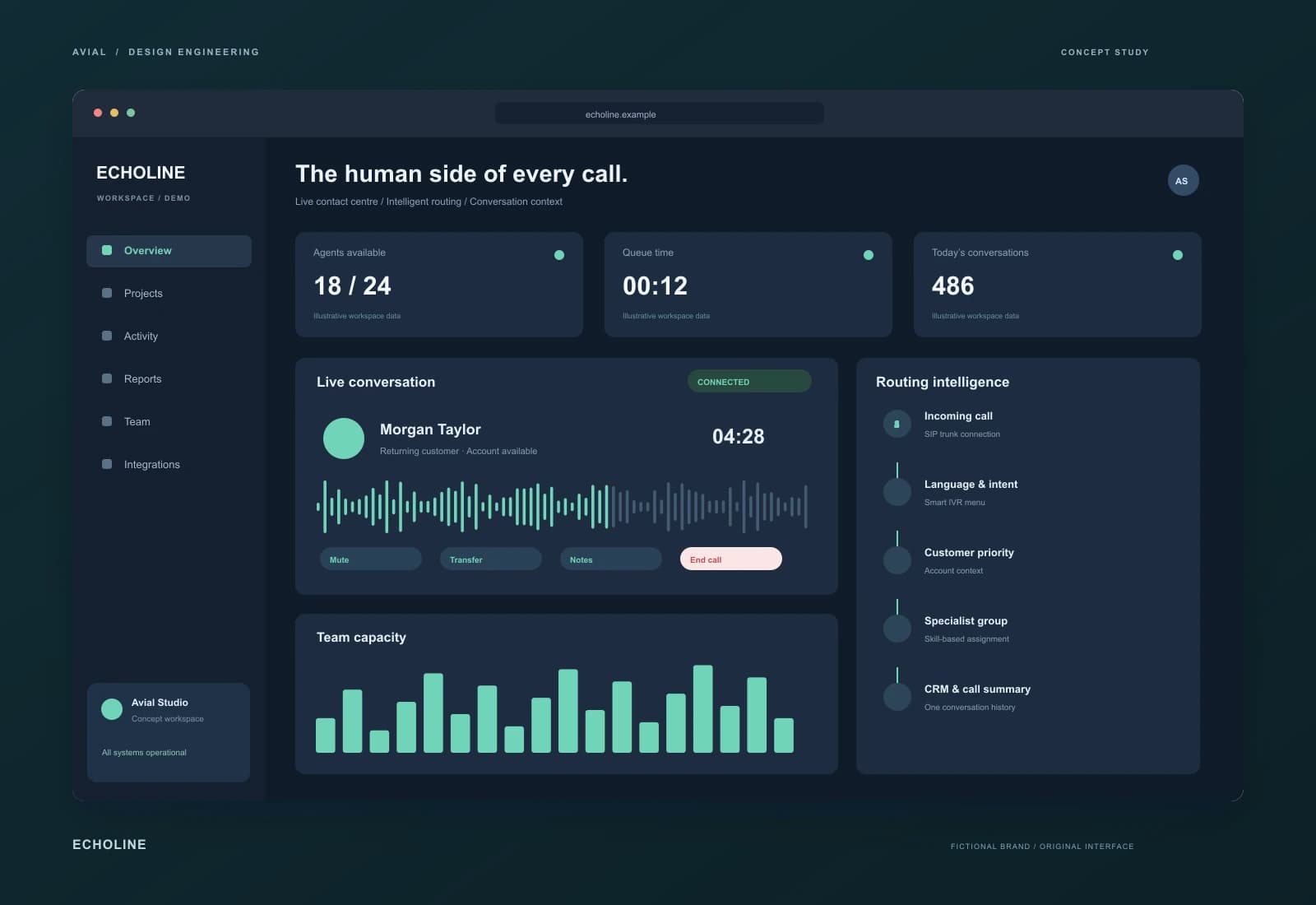
A more human contact centre
A contact-centre interface concept with a live queue, agent availability and customer context during every call. Routing considers language, inquiry type and team capacity.
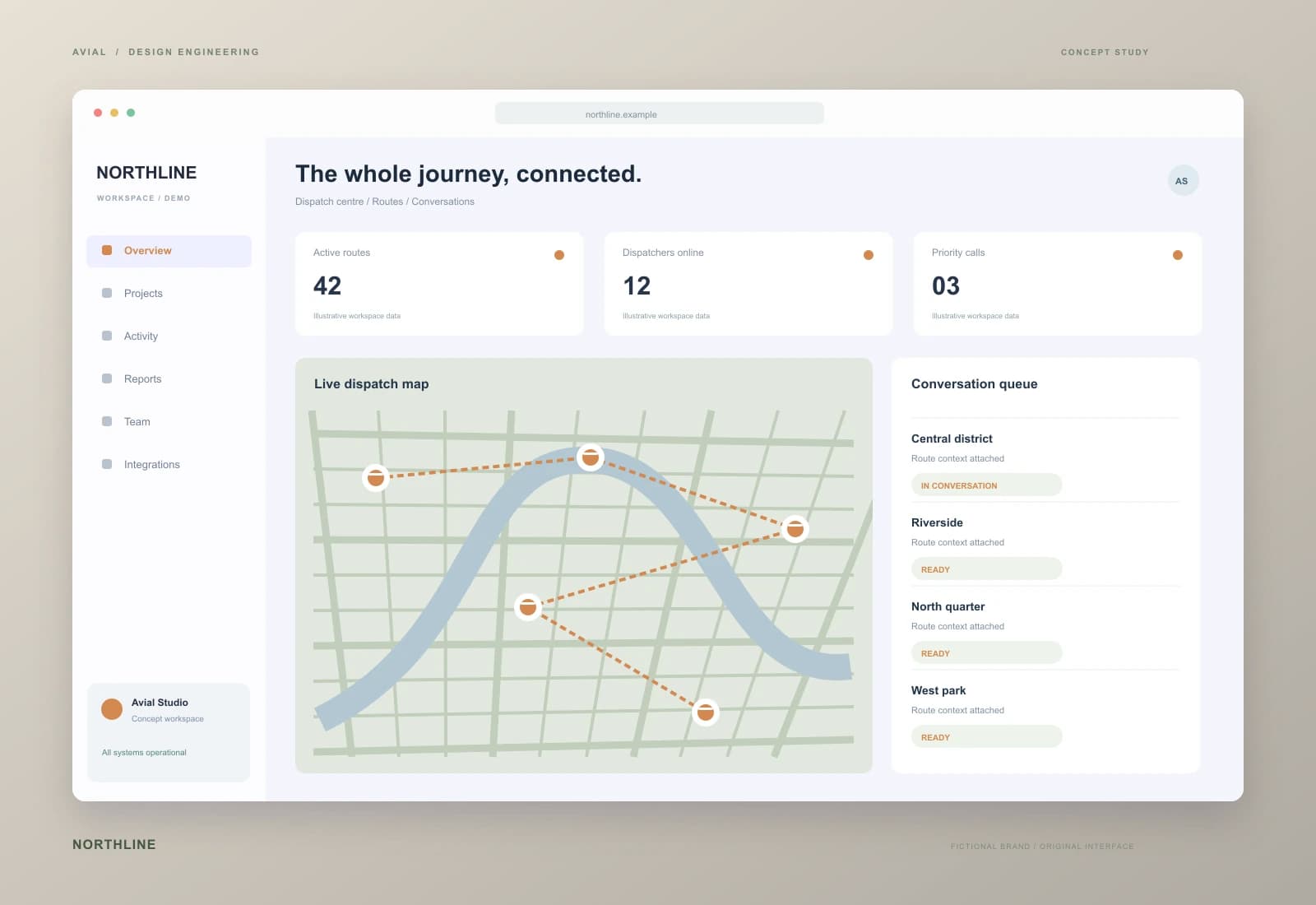
A dispatch desk that connects the dots
A telephony concept for logistics operations. Calls connect to orders and routes, urgent inquiries reach the right group, and shift handovers retain the full conversation context.
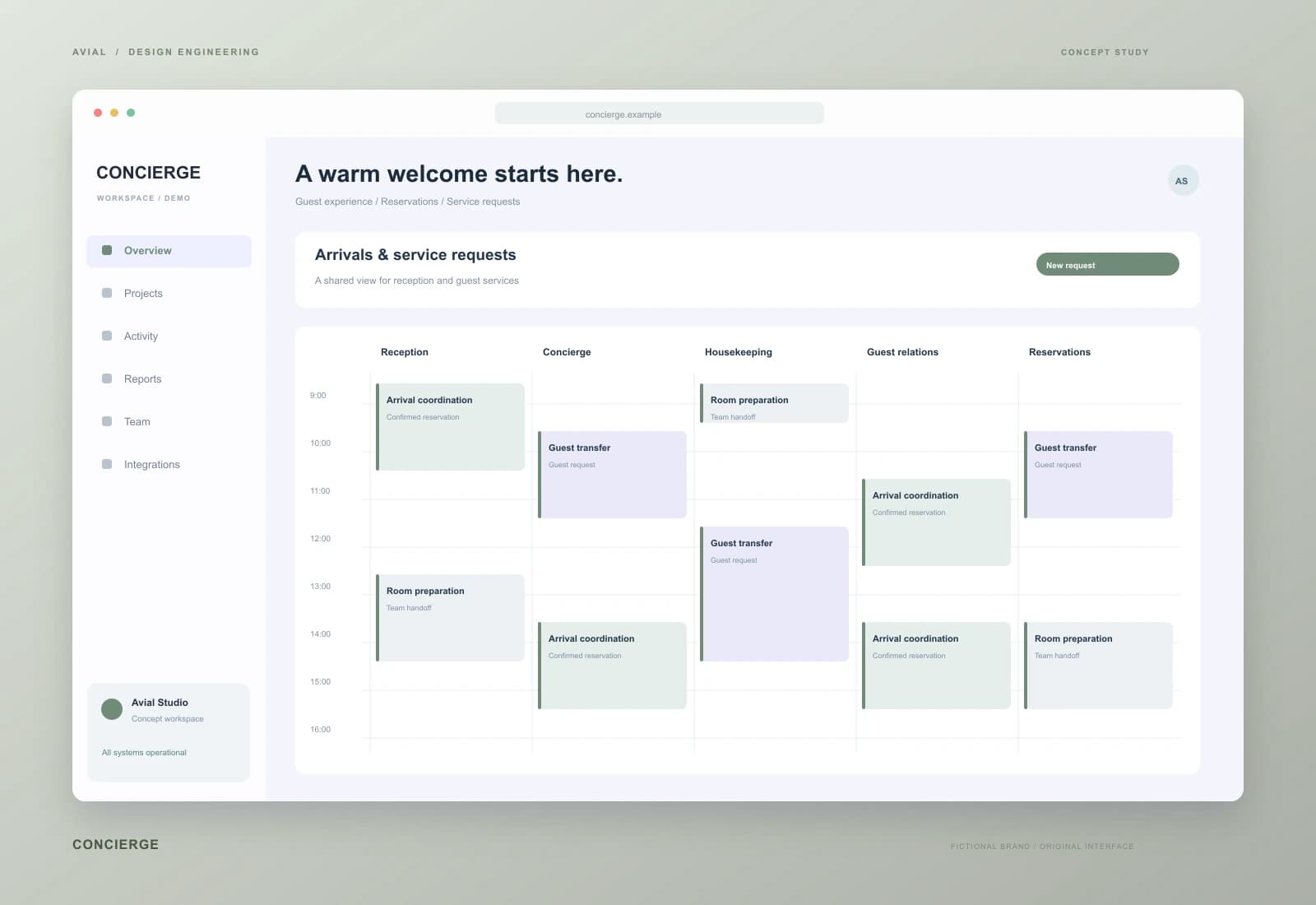
Considered service from the first call
A hospitality communications concept bringing calls, reservations and guest preferences into one workspace. Location-aware routing supports a consistent multilingual service journey.
Original concepts for fictional brands, illustrating our approach to design and implementation.
What you get
Map numbers, carriers, devices and connections for office and remote teams.
Configure greetings, IVR, schedules, ring groups and fallback routes.
Connect call records, customer context and callback tasks within supported system capabilities.
Test call quality, permissions and reports, then train the team on daily workflows.
Complex rules belong inside the system. The customer needs a short route; the employee needs to know who is calling, what to do next and who can help.
Define call distribution, missed-call ownership and customer-record context. Callback rules account for opening hours and agent availability rather than creating unowned tasks.
Design concise voice menus, queues and transfers between groups. Define a useful alternative when demand is high, the business is closed or no agent can answer.
Review networks, headsets, desk phones and softphones. Pilot at actual work locations: a successful office call does not establish quality on a home connection.
Document numbers, carrier, SIP connectivity, concurrent calls and fallback routes. Compare cloud and self-managed PBX options by maintenance, constraints and cost. Keep the current platform when it meets the requirements.
Configure greetings, IVR, schedules, queues and forwarding. Specify the CRM integration as events and fields: call start, completion, outcome and callback task.
Test with a pilot group, document settings and train agents. Number cutover needs a maintenance window and rollback plan; carrier-dependent steps must be confirmed in advance.
An illustrative test plan, not customer performance data. Add your numbers, teams, hours and expected routes before rollout.
| Situation | Expected route | Acceptance evidence |
|---|---|---|
| All agents busy | Queue and agreed fallback action | The call has a visible outcome rather than disappearing |
| An out-of-hours call | Message and callback task | Correct time zone and an assigned CRM owner |
| Transfer to a colleague | Route to the appropriate group | Two-way audio and accessible enquiry context |
Estimate users, numbers, queues, locations and integrations. Show carrier numbers, usage, channels, licences, recording storage and equipment separately from implementation. Cheaper calls are not promised without reviewing the applicable tariff.
Share your carrier, CRM, calling regions and peak concurrent volume. Timing depends on access, number-porting arrangements and approved call flows. Support hours and subsequent routing changes are scoped separately.
Check two-way audio, delays, interruptions, NAT behaviour and connectivity loss. Distinguish routing, local-network and carrier issues in the report; download speed alone is not a call-quality test.
Review answered and missed calls, waiting time and completed callbacks over comparable periods and service hours. Recording, access, notices and retention are configured according to the client's agreed policy.
From brief to launch
Clarify departments, schedules and common enquiries.
Implement the agreed flow for a pilot group.
Exercise busy agents, transfers, missed calls and out-of-hours routing.
Hand over instructions and review the first operating cycles.
Before we start
We review carrier terms, portability and connection options. The answer depends on your provider and region.
Yes. We select clients and devices, review connectivity and access, and provide consistent routing across locations.
No. Recording, retention, access and caller notification are configured separately around your processes.
Compare required features, integrations, support and operating costs. A self-managed PBX needs administration; a hosted platform comes with provider rules and limits.
Assess peak inbound and outbound calls, queues and transfers. Confirm channel capacity and plan limits with the carrier before rollout.
A compatible softphone and headset may be sufficient, or you can use IP desk phones. The choice depends on the workplace, network and team requirements.
Where supported, agree carrier-side forwarding or another backup connection. Test it separately; continuity is not assumed without a working fallback.
Review both systems' APIs and events first. A custom connector may require separate development and remains subject to permissions and rate limits.
Agree allowed destinations, user permissions, limits and alerts supported by the carrier and PBX. Test changes so required calls are not unintentionally blocked.
Routing diagrams, instructions, ownership records, test results and agreed access. New numbers and routing changes follow a documented request process.
AVIAL SERVICE
Share team size, existing numbers and CRM. We will discuss the connection plan and a first pilot.
Describe your goal and current setup. We will clarify scope, costs and a first phase. An enquiry does not commit you to a purchase.
Estimate IT service costs, book a consultation and try an enquiry automation example. Use the website check to start a discussion about technical SEO and page speed.